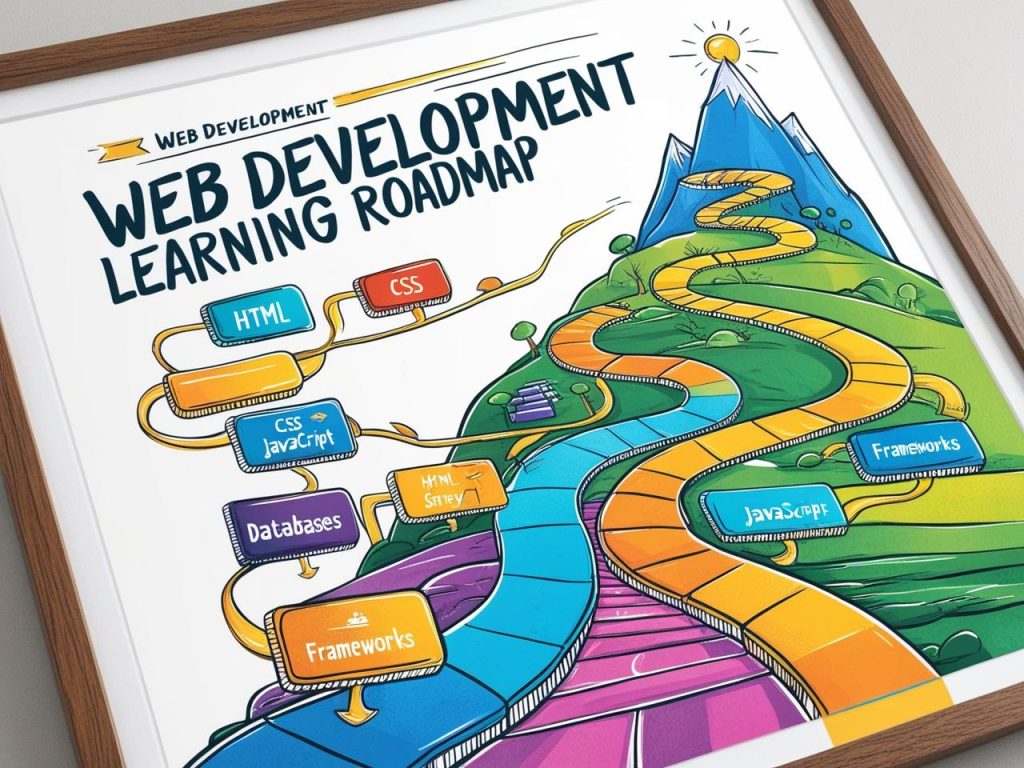
I’ve recently embarked on a journey to become a web developer. Like many of you, I’ve got a busy schedule, I’m still need to creating and managing Fonts and can only dedicate 1-2 hours a day to learning. So my goal is to get comfortable with React JS in just six months. After some research (and a lot of help from ChatGPT), I’ve put together a simple roadmap that works for my limited time and steady pace. If you’re like me—determined but time-strapped—this might be just the plan you need.
Month 1: The Foundations
Before jumping into React, I needed to ensure my basics were solid. React doesn’t live in isolation; it relies heavily on JavaScript, HTML, and CSS.
Here’s what I focused on:
- JavaScript Essentials:
- ES6+ (let/const, arrow functions, template literals, destructuring)
- Array methods like
map(),filter(), andreduce() - Promises and async/await
- HTML/CSS Review:
- Semantic HTML
- Responsive design with CSS Grid and Flexbox
Spending 1-2 hours daily on practice (thanks to platforms like freeCodeCamp and MDN Docs) made a world of difference.
Month 2: Intro to React
Time to dive into React! 🚀
I started with the basics:
Try out and download our best font for free 👀






- React Setup: Understanding how to set up a React environment with
create-react-appand exploring tools like Vite. - JSX: Learning how JavaScript and HTML blend together in JSX syntax.
- Components:
- Functional components
- Props and how data flows between components
- State Management:
- Using the
useStatehook for simple state management
- Using the
To keep things interesting, I built small projects like a counter app and a simple to-do list. It was rewarding to see my code come to life!
Month 3: Diving Deeper into React
With the basics covered, I moved on to some of the more exciting (and challenging) parts of React:
- Handling Events: Learning how to manage user interactions like clicks and form inputs.
- Lists and Keys: Rendering dynamic lists with proper keys for performance.
- useEffect Hook: Understanding how to handle side effects like fetching data or updating the DOM.
- Props Drilling: Recognizing when passing props becomes messy and learning ways to handle it better.
This was also when I started experimenting with API calls using fetch or axios. I built a simple app that fetched weather data—so satisfying!
Month 4: Advanced React Concepts
Here’s where things got spicy! 🌶️
Side Note : Promote & earn with Letterhanna’s affiliate program.

- Context API: Managing state globally without prop drilling.
- React Router: Setting up multiple pages in a single-page application.
- Custom Hooks: Writing reusable logic for components.
I also tried to refactor some of my earlier projects using these concepts, which helped me understand them better.
Month 5: Real-World Skills
By now, I had a decent grasp of React, so it was time to think like a professional:
- State Management with Redux or Zustand: Learning how larger applications handle state.
- Optimizing Performance: React’s rendering behavior and memoization techniques with
React.memoanduseMemo. - Component Libraries: Exploring Material-UI, Chakra UI, or TailwindCSS for faster UI building.
I started building a small but slightly more complex app, like a movie review app or a personal expense tracker, combining everything I’d learned so far.
Month 6: Consolidation & Portfolio Building
The final stretch! I focused on three key areas:
- Building Projects:
- A portfolio site showcasing all my projects (of course, built with React).
- At least one end-to-end app that included authentication, API integration, and responsive design.
- Learning Deployment:
- Using Netlify or Vercel to host my React projects online.
- Interview Preparation:
- Practicing coding challenges and React interview questions.
Here Are Some Fonts You Might Love! 👀