
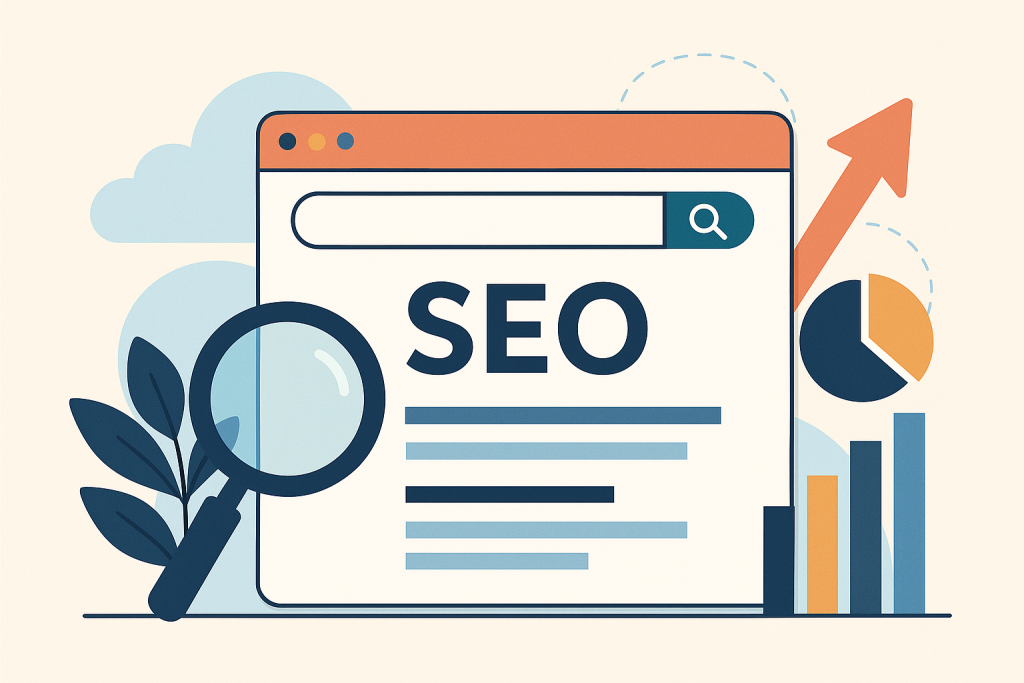
Imagine you’re a tiny island in a massive ocean. SEO is how you get found on the map — not just found, but circled in red marker by everyone searching for what you offer.
Let’s break down how to make Google love you. Because when it does? You’ll get free traffic 24/7 — no dancing on TikTok required.
What Is SEO?
SEO is the art (and science) of optimizing your website and content so it ranks higher in search engine results — mainly Google, but also Bing and others (yes, Bing still exists… somehow).
The goal?
📍 Show up when people search for things related to your business.
📍 Get more clicks.
📍 Turn those clicks into customers.
Three Pillars of SEO
To keep it simple (and not bore you to sleep), let’s break SEO into 3 key areas:
1. On-Page SEO – “Fix Your House”
This involves everything on your website.
-
Use the right keywords (more on this soon)
-
Clear headings (H1, H2s, etc.)
-
Mobile-friendly design
-
Fast loading speed
-
Internal linking (pages linking to each other)
-
Image optimization (file size + alt text)
2. Off-Page SEO – “Get the Neighborhood Talking”
This is about what others say about your site.
Try out and download our best font for free 👀






-
Backlinks (other websites linking to yours) — the SEO equivalent of street cred
-
Guest posts, podcast appearances, collaborations
-
Social shares and mentions
3. Technical SEO – “Make Sure the Plumbing Works”
This is the behind-the-scenes stuff.
-
Clean URLs
-
XML sitemaps
-
HTTPS security
-
Fixing broken links
-
Structured data (so Google understands your site)
Don’t worry — you can outsource this part later if needed. But it’s good to know it exists.
Unique Fact of the Day 🌐
The first 5 organic search results on Google account for 67.6% of all clicks.
Translation: If you’re not ranking near the top, you’re basically invisible. Page 2? That’s the digital graveyard. 👻
But the upside? Even small websites can rank well with the right strategy.
What Are Keywords, Really?
Keywords are the words and phrases people type into search engines.
Side Note : Promote & earn with Letterhanna’s affiliate program.

Your job is to find the ones your target audience is already searching for, and naturally weave them into your content.
Example:
If you’re selling digital planners, people might be searching:
-
“best digital planner for iPad”
-
“how to organize your day digitally”
-
“free 2025 digital planner PDF”
You can use tools like:
-
Google’s own Autocomplete
-
Ubersuggest
-
AnswerThePublic
-
SEMrush (advanced)
-
Ahrefs (also advanced)
Beginner SEO Action Steps
Let’s make this practical:
1. Pick 3 Keywords to Target
Use a free keyword tool or just type into Google and note suggestions.
2. Update One Piece of Content
Add your target keyword to:
-
The title (H1)
-
The first paragraph
-
1–2 subheadings
-
The meta description
-
The image alt text
But remember: Don’t force it. No keyword stuffing. Keep it natural, like seasoning your content with relevance.
3. Add Internal Links
Link your post to other related pages on your site. This helps Google understand your structure — plus, it keeps visitors hanging around longer.
Bonus Quick Tips
-
Use short, readable URLs:
/digital-planner-2025is better than/page123?ref=xyz -
Make sure your website is mobile-friendly
-
Add an SSL certificate (https:// not http://) — Google prefers secure sites
Here Are Some Fonts You Might Love! 👀


